

Main dishes
For home cooks and recipe creators
Keep your family recipes in one place, publish the ones you are proud of and introduce yourself on your own cook’s page. Free, ad-free and with your name on every recipe of yours.
Add your first recipeMeet our home cooks
An example of a blog filled with content: the overview with cooks’ stories and profile cards, your page, a story, an article and your book for sale.
The overview of all cooks. At the top, stories – the circle with your name opens your recipes full screen. Below, profile cards with the recipe you recommend and your own words.
Your page: your own color, background and font for your name, badges (Cook of the month, number of recipes), pinned recipes, notes, articles and your book.
A story from your recipe opened full screen – photo, name of the dish, your words and a button to the recipe.
An article in your own words about what you cook and why, with the recipes from the article.
A book of your recipes for sale – the book page with its cover, contents and purchase.
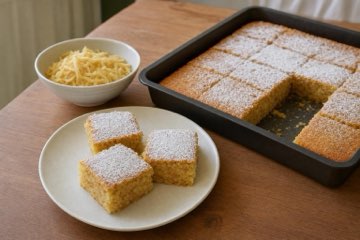
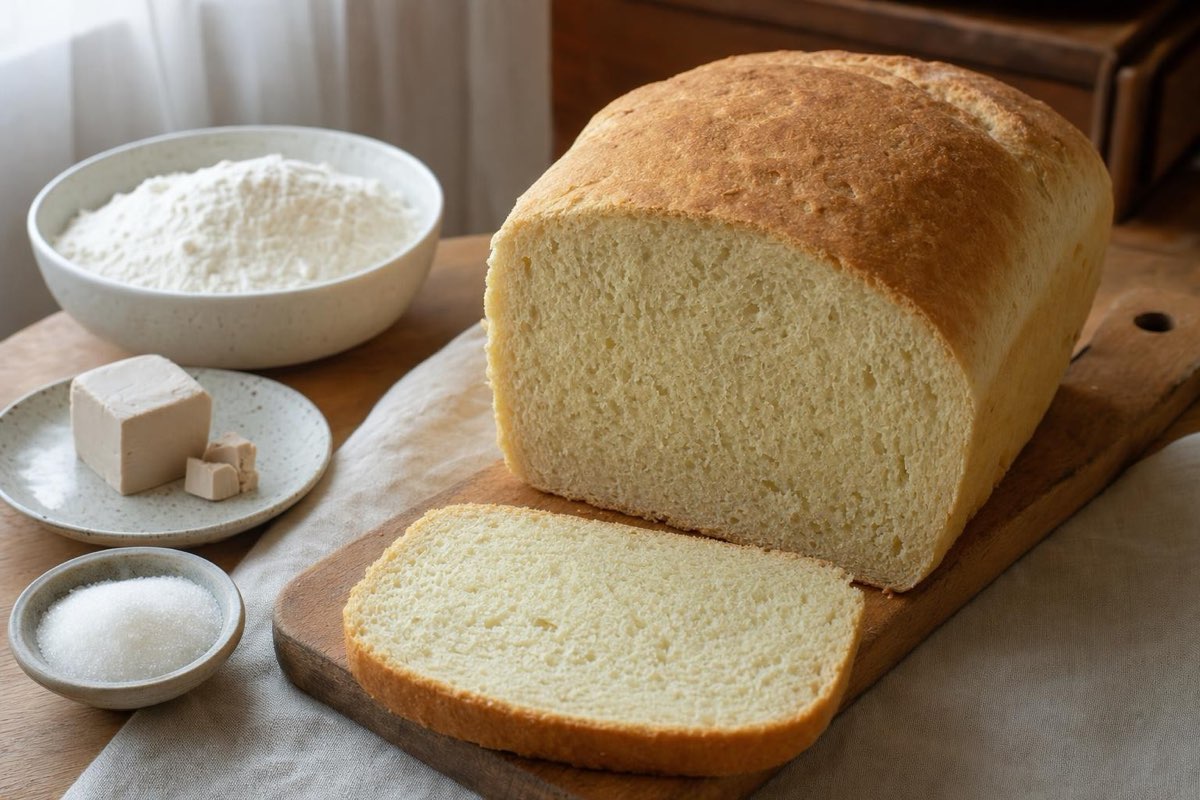
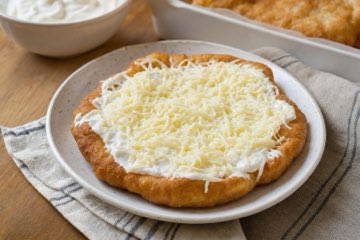
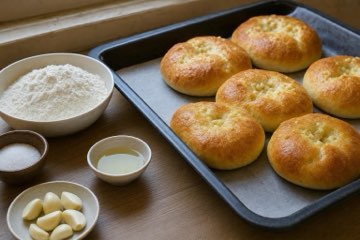
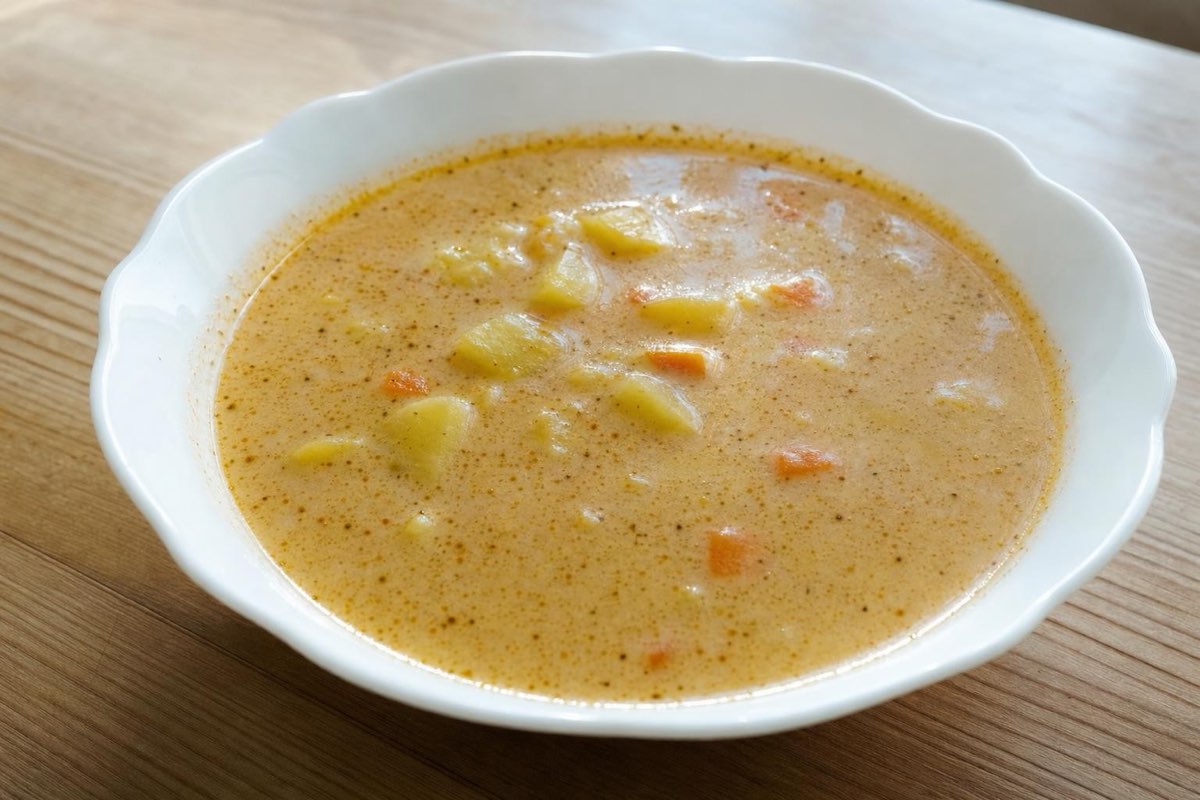
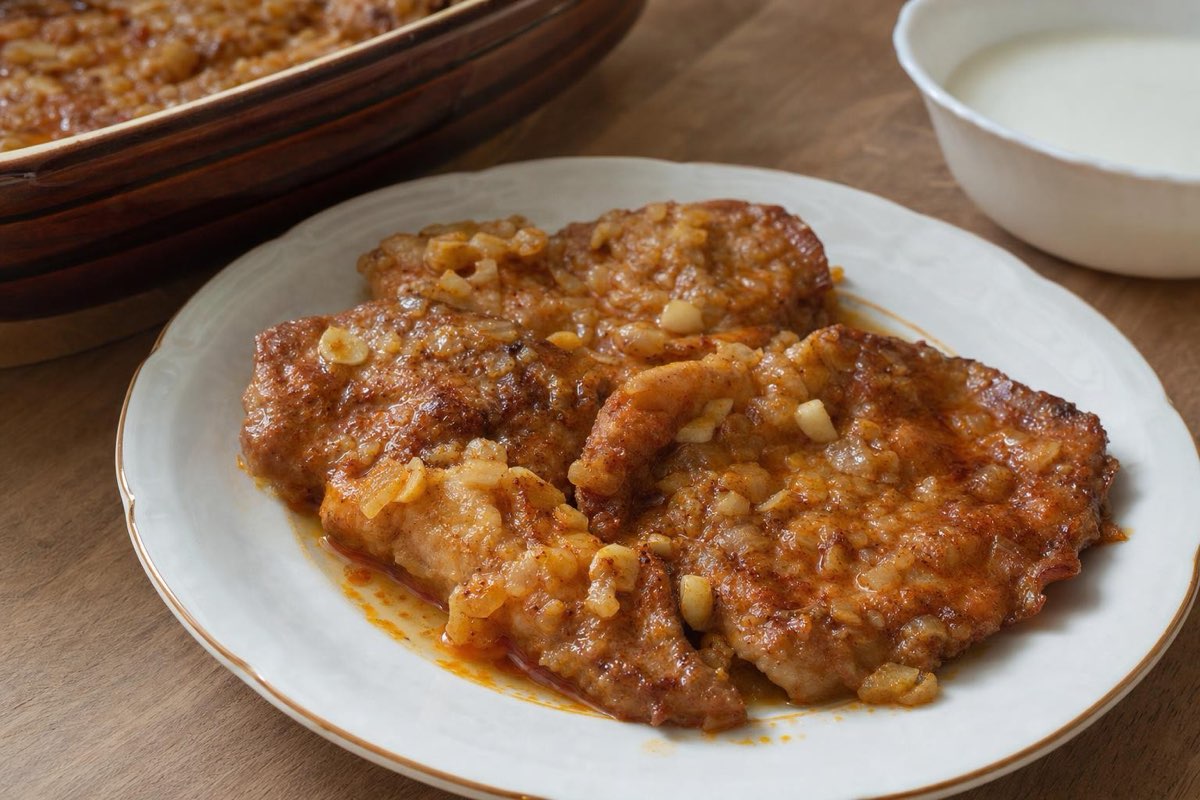
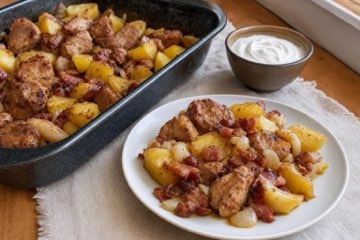
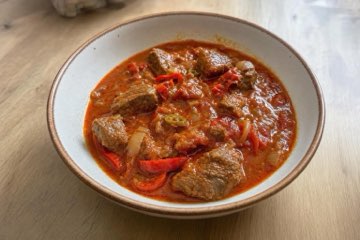
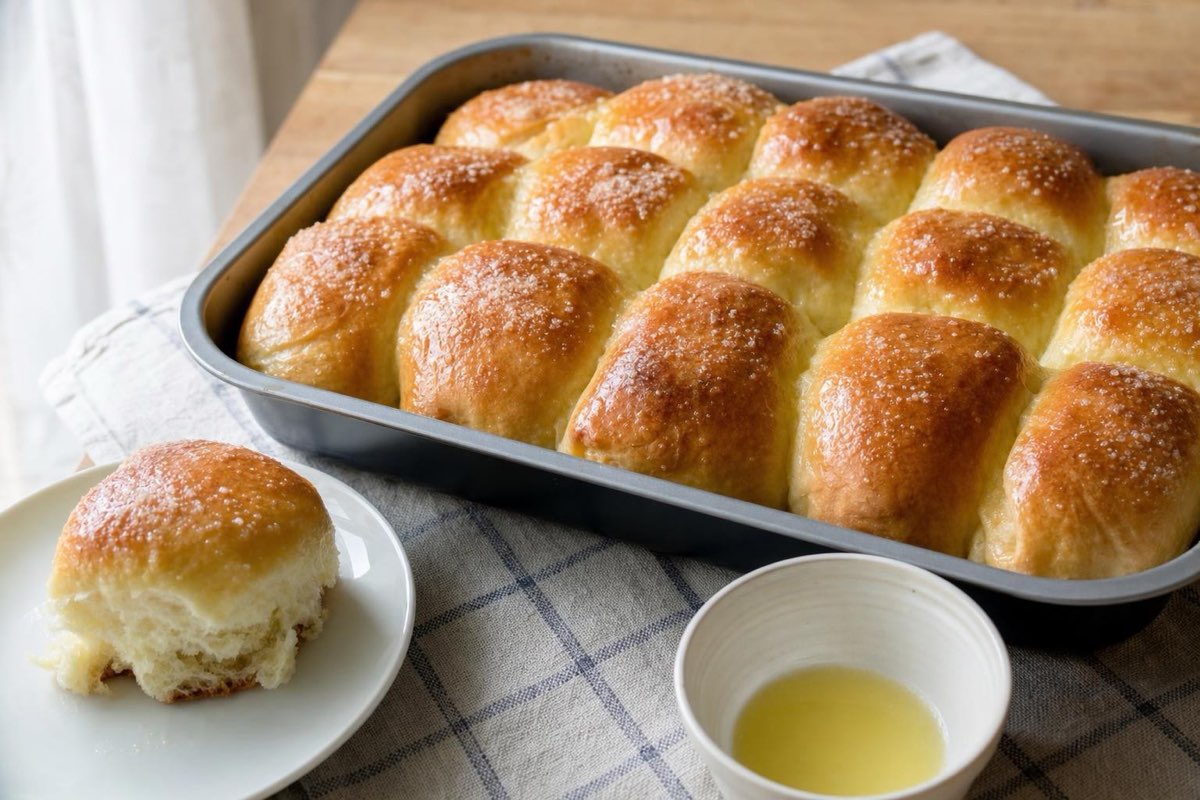
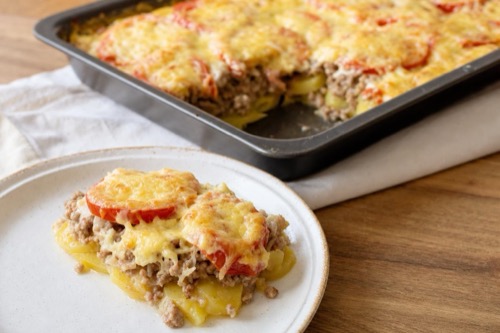
The cooks, their texts and the book are made up so you can see what the blog looks like. The recipes and food photos are from our website.
Depending on how you cook and what you want to do with your recipes.
Sign in with email, Google or Apple and in the Family cookbook type the recipe, record it by voice or photograph it from your notebook. It stays private.
Add a few words about the recipe and, if it is on Instagram, a link to the video. Our editors check the recipe and bring it into a clear format.
And you have a cook’s page. In My account you choose the color, cover photo and pinned recipes and add a photo, region, story, motto, Instagram and notes from the kitchen – we publish the texts after approval.
We bring the recipe into the clear format of our website. The facts and your words remain yours.
You can have the recipes from your Family cookbook in print too – for yourself, for your family or as a gift. You can also sell your own book.

Choose the recipes, the cover and a dedication. Before you order, you can preview every page for free. Order 1 to 20 copies of the printed hardcover book – for the whole family, for example. Printed books ship within the EU. Once you have a recipe published on the website, the PDF book is free for you – you only pay for printing and dish illustrations.

A calendar for 2027: for every month a recipe of your choice – including from your own cookbook – with a photo of the dish. Plus public holidays and your family dates, such as birthdays. You can put the calendar together now; ordering prints on this site is coming soon.
Put together a book from your own recipes and photos. Once the editors approve it, we sell it to readers and you receive an author’s share of every paid sale.
Publishing, your profile and your cook’s page with its own look are free. Ranking or promotion cannot be bought.
Only a recipe you publish yourself and our editors approve goes online.
We keep the story behind the recipe in your wording and only fix typos. Translations are labeled.
On request we remove a recipe from all our websites and apps within 30 days.
There are no ads on the website or in the apps – not next to your recipes either.
Nothing. Publishing a recipe, your profile and your cook’s page are free and ad-free. You only pay if you order something extra yourself, such as a printed book – you see the price in advance.
Yes. In the Family cookbook you put together a book from your own recipes and preview every page for free. You order the printed hardcover book (1 to 20 copies) only if you want – you see the price including postage before you pay. You can put the calendar together now; ordering prints on this site is coming soon.
Only you can see the recipes in your Family cookbook. Only a recipe for which you click Publish and which our editors approve goes on the website.
Yes, for free. In My account → My cook’s profile you choose one of 6 colors, a cover photo (from your own recipe or a pattern), up to 3 pinned recipes, the order and hiding of cards, the header background, the font for your name and motto, and whether to show your region. The change shows on the website with the next update, usually within 2 hours. We review the motto under your name together with your profile. Even before your first recipe you can see a preview of your future page there – only you can see it.
Stories are the circles on the Home cooks overview. Tap the circle with your name and your recipes appear full screen – with a photo, the name of the dish and your own words. The editors choose the Cook of the month, and the badge appears on their page. Badges for the number of recipes are added automatically at 10, 25, 50 and 100 recipes.
Yes, into the clear format of the website: title, short introduction and step-by-step method. Ingredients, amounts and your words about the recipe stay yours; we only fix typos.
Your own photo of the finished dish is best – it is labeled “Photo: your name”. If you don’t have one, our editors add a photo and your name will not be on it. For a recipe we prepare for you, your own photo is required.
It stays with you. The recipe only has a button that opens it on Instagram. We download nothing and nothing loads from Instagram before you click.
Yes, any time. Write to info@domacerecepty.sk and we will remove it from all our websites and apps within 30 days. The license is non-exclusive – you can publish the recipe elsewhere too.
A published recipe is a regular page of our website and Google can find it. We only submit a cook’s page to search engines once it has at least 3 recipes and a story of at least 300 characters. We don’t promise rankings or visits.
No. An account on our website is enough – sign in with email, Google or Apple. A link to Instagram is optional.
Yes. We publish them one by one, each after approval by our editors. Recipes you don’t publish stay private.
Publishing a recipe is free of charge and unpaid. You can earn from your own book: you put it together from your own recipes and photos, the editors approve it and we sell it to readers. You receive an author’s share of every paid sale under the terms of sale.
Start with one recipe. You can publish it whenever you want.
Add your first recipeWrite to us
Do you run a recipe website or blog? Partner program →